


APKHub
Table of Contents
See the installation guide Click Here👇
Game Details
Game Name FINAL FANTASY VII REBIRTH Digital Deluxe Edition
Steam Version FINAL FANTASY VII REBIRTH
Game DeveloperSquare Enix
Category Action, Adventure, RPG
Game Version 1.004
Total Size147.3Gb
Steam Price Rp 1.329.000,-
Requirements Windows 10+ 64Bit
Game Features Full Version
Download Link Datanodes
About the Game
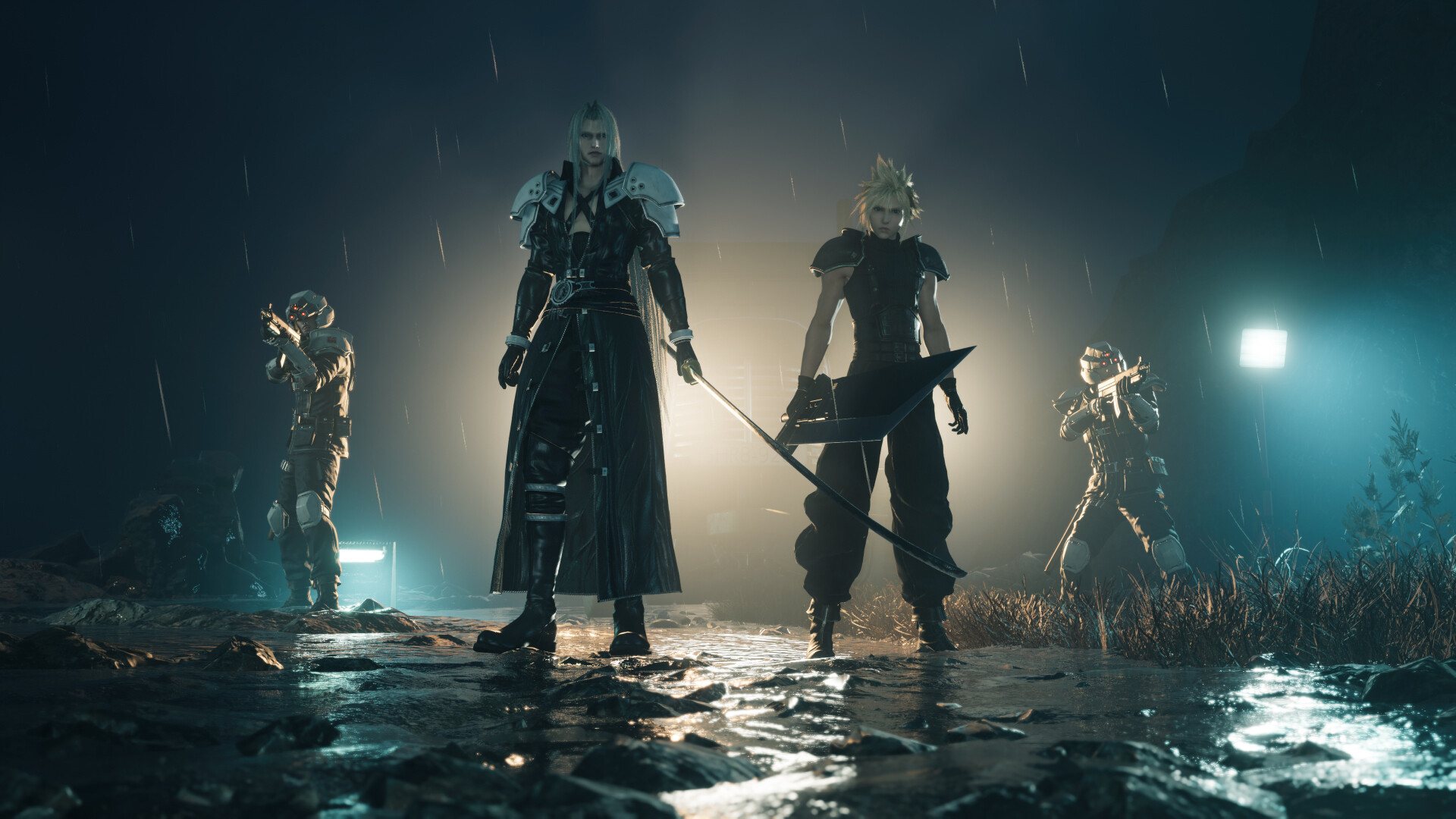
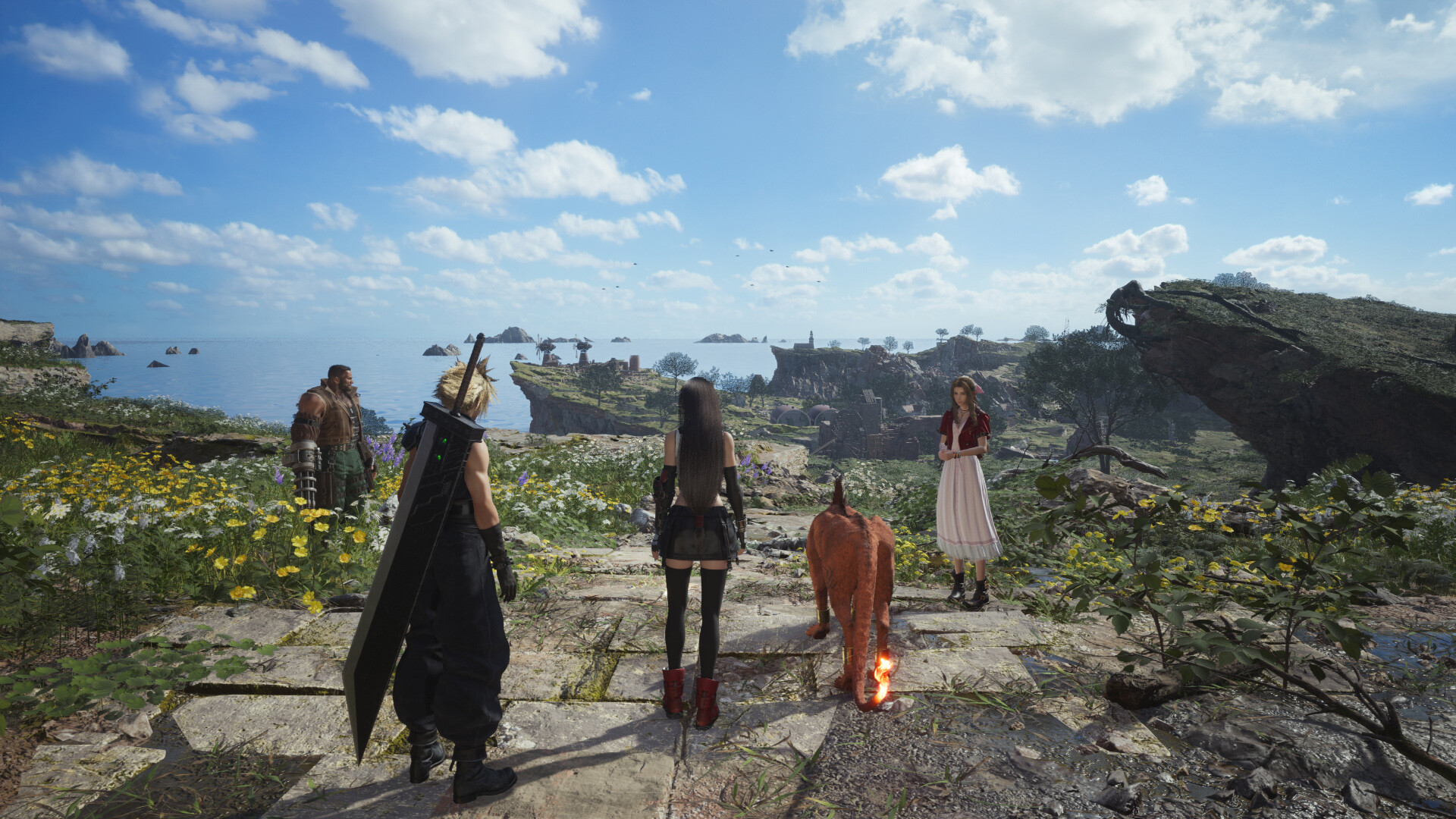
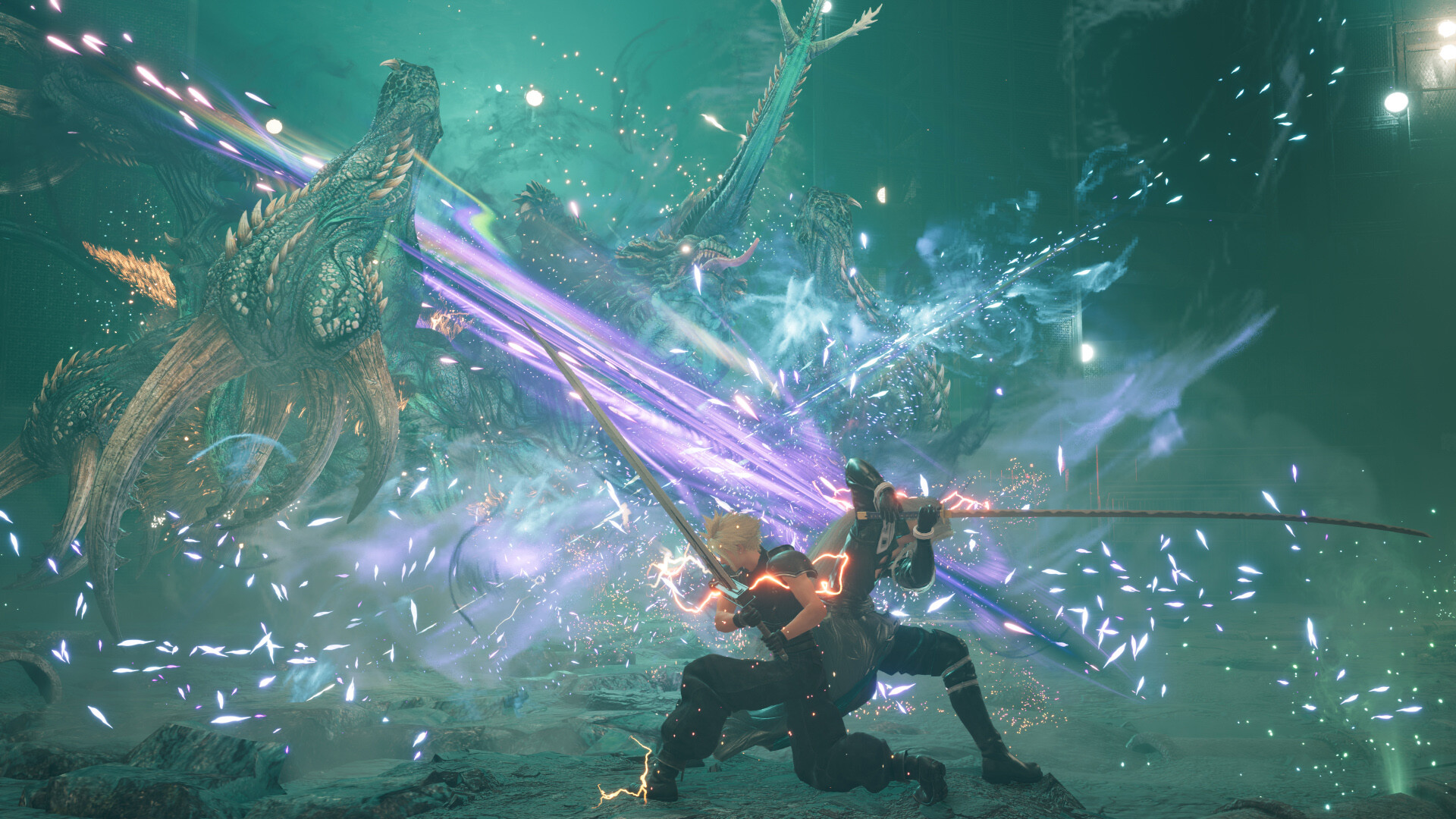
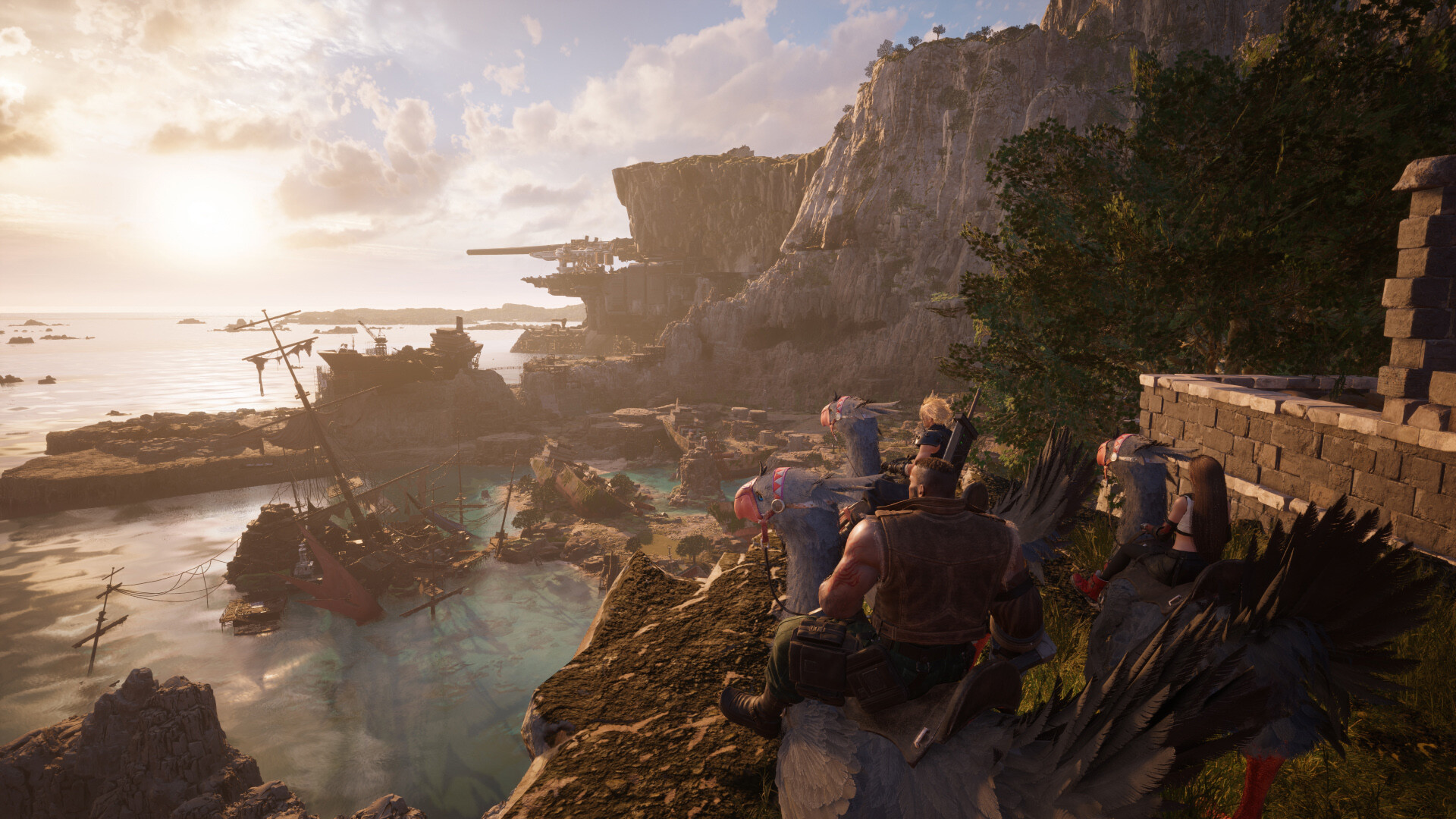
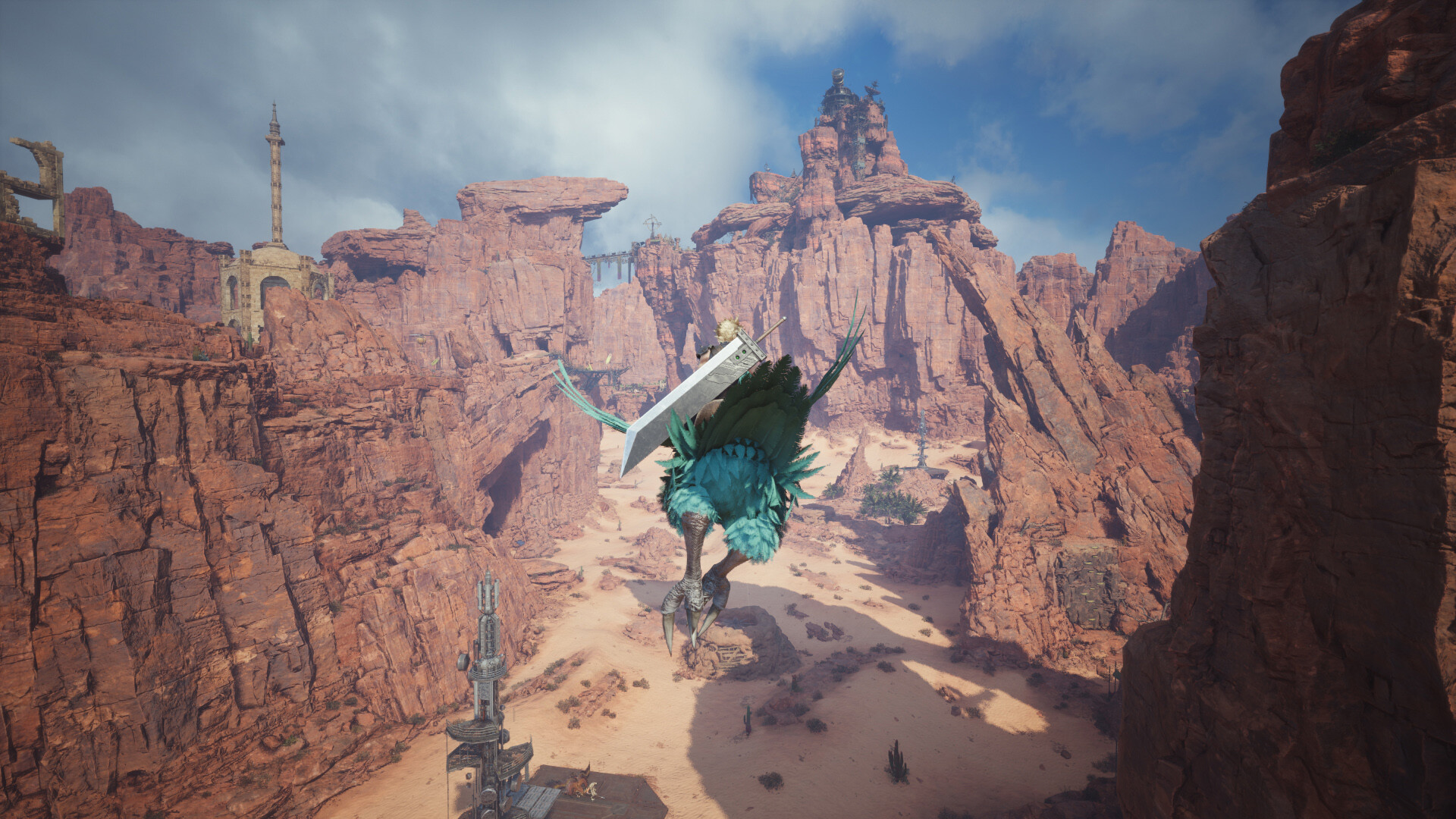
FINAL FANTASY VII REBIRTH Digital Deluxe Edition is the complete digital edition of the epic RPG Final Fantasy VII Rebirth, featuring bonus content such as a Digital Art Book, Digital Mini Soundtrack, and exclusive in-game items including summon materia (Magic Pot, Posh Chocobo) and accessories (Reclaimant Choker, Orchid Bracelet), continuing the story of Cloud Strife after Final Fantasy VII Remake as the second part of the remake trilogy.
Minimum Specifications
- Requires a 64-bit processor and operating system
- OS: Windows® 10 64-bit
- Processor: AMD Ryzen™ 5 1400 / Intel® Core™ i3-8100
- Memory: 16 GB RAM
- Graphics: AMD Radeon™ RX 6600 (RX 6600 or above required) / Intel® Arc™ A580 / NVIDIA® GeForce® RTX 2060 (RTX series required)
- DirectX: Version 12
- Storage: 155 GB available space
- Additional Notes: 1080P / 30FPS (Graphics Quality Preset “Low”), SSD Required. Graphics Cards with Shader Model 6.6 support and OS with DirectX 12 Ultimate support required. 12GB VRAM or above recommended to play on 4k resolution.
Installation Guide
- Download FINAL FANTASY VII REBIRTH Digital Deluxe Edition
- Use Winrar to extract the game files
- Run the Launcher installer file and install until finished
- Do not forget to install DirectX and Visual++ if not already installed
- Done!
- Enjoy Playing!
Warning!
We are not responsible if anything happens to this game, Do With Your Own Risk!
Download Game
FINAL FANTASY VII REBIRTH Digital Deluxe Edition v.1.004
Full Version
FINAL FANTASY VII REBIRTH vOfficial
Paid